 LANOVA← Lanova homeLANOVA← Lanova home
Live charts, your own wallet, and Lanova's own swap box — the terminal is the working surface of Vorix. This page walks through what is actually on it: the charts, the Nova Connect wallet flow, the swap box, the coins it can trade, and exactly what a swap costs.
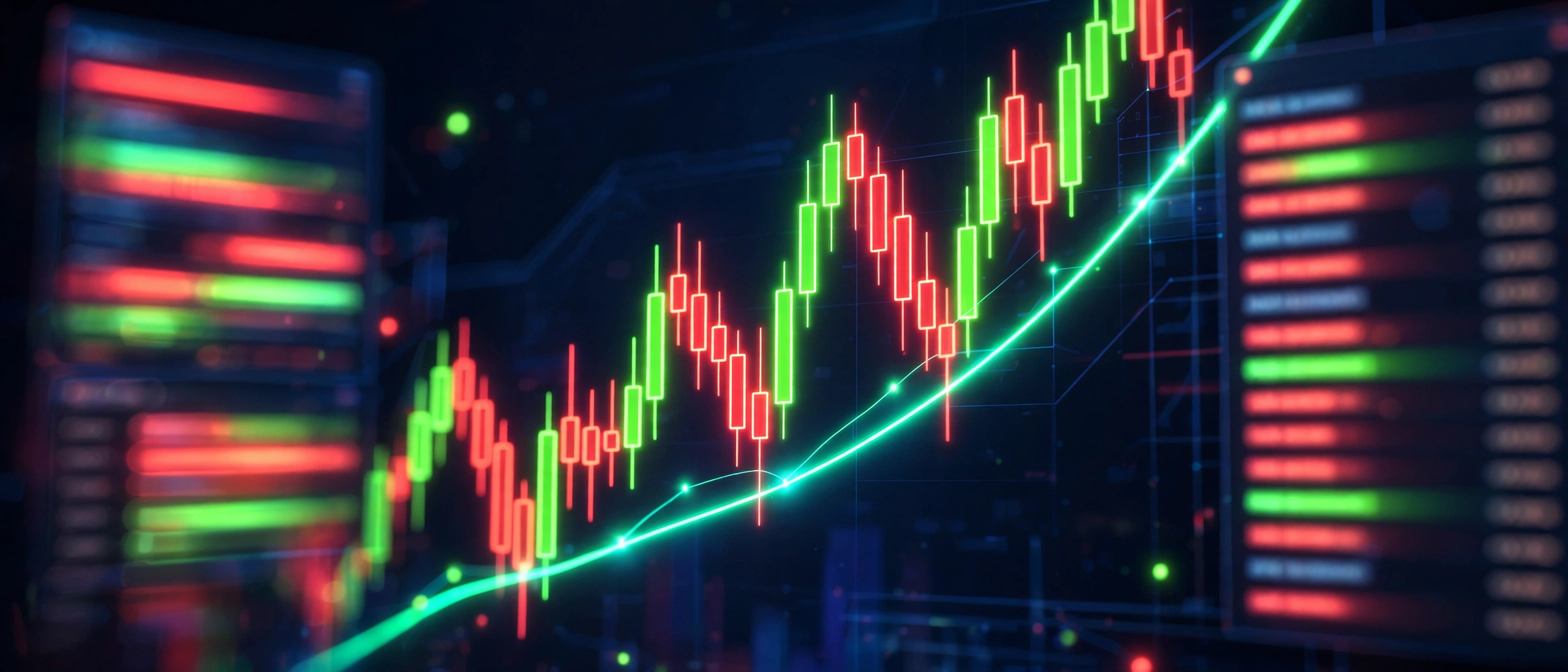
Chart first. The terminal opens on the chart and the market board, with the swap box one tap away.
The terminal is built around TradingView charts and a live top-500 market board, so the coin you are researching and the trade you are about to make sit on the same screen. Paid tiers widen the workspace: multi-chart layouts and a watchlist with screener on Elite, a portfolio dashboard on Pro. The full tier breakdown is on the Vorix pricing page.
Trading in Vorix runs through Nova Connect, Lanova's own wallet connection. It detects Solflare, Phantom, and Backpack in the browser, and on Android Chrome it can reach your wallet app through Mobile Wallet Adapter. The flow is the same one the Lanova trade page uses: connect, review the trade on screen, then sign it in your own wallet.
That last step is the whole design. Vorix is non-custodial — it never holds your funds, never sees your private keys, and cannot place a trade your wallet did not approve.
Swaps run through Lanova's own swap box, routed by Jupiter across Solana's liquidity. That means the box can trade every Solana coin Jupiter can route — search by name, or paste a contract address to load a coin directly. The same swap box runs on the Lanova trade page, where new coins from Lanova's scanners deep-link into it by contract address — a coin you just found can be quoted in the same flow. If Jupiter cannot route a coin yet, the box says so plainly instead of spinning forever.
Market swaps through the swap box, TradingView charts, the live top-500 board, and paper trading with a $100,000 practice balance.
Limit orders, take-profit / stop-loss (OCO) orders, DCA recurring buys, price alerts, and the portfolio dashboard.
Trailing stops, a token analytics panel, whale alerts, multi-chart layouts, and the watchlist + screener.
Ultimate adds Live Mirror trading and API access — see how Live Mirror works and the full Vorix pricing comparison.
A flat 0.25% Lanova fee per swap, shown before you sign. Network fees and price impact are separate and are not Lanova markups.
Every Solana coin Jupiter can route — search by name or paste a contract address. If a coin cannot be routed yet, the box tells you plainly.
Yes. Nova Connect links your own wallet (Solflare, Phantom, Backpack, or Mobile Wallet Adapter on Android), and every trade is signed in your wallet. Vorix never holds funds or keys.
Yes — the free tier includes paper trading with a $100,000 practice balance on live market data.
Cryptocurrency trading carries real risk of loss. Vorix provides tools and data, not financial advice. Quotes depend on live liquidity; a coin that cannot be routed cannot be traded until routing exists.